I have been talking to engineering teams that are building complex and impressive products I nerd out on, but they continually get stuck weighing hardware options.
One wants to move away from Raspberry Pi to an i.MX gateway. Another is on a Jetson dev kit and trying to figure out what their production platform should be. A third is mid-migration from one SOM vendor to the next because of supply chain issues. These are good teams that are shipping products, and the hardware problem slows them down for the same reason every time: the software stack they are running today means redoing tons of work to support a new hardware target.
One team thought they had a very simple change - to move their fleet from a Pi 4 to a Pi 5. It turned into weeks reworking the build, maintaining two separate installations, and eating a multi-month hit before anything shipped. The hardware was the easy part. The software underneath it had turned a board revision into a huge project.
That danger is the one Avocado OS is built to remove.
One config, many targets: how hardware portability works with Avocado OS
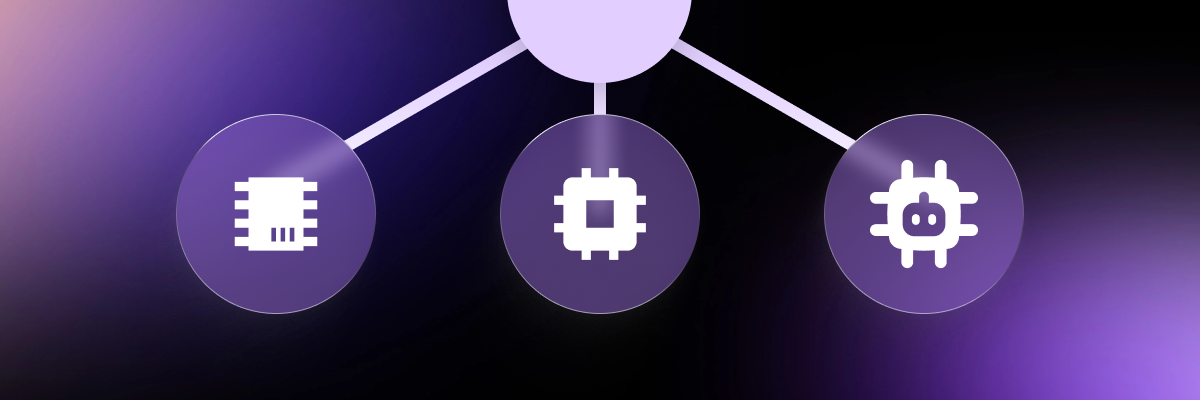
With Avocado OS, moving to new hardware is a simple configuration change, not a fear inducing exercise in systems engineering.
Everything about your system lives in one declarative file, avocado.yaml. It names your target, defines your runtimes, lists the extensions and packages that make up your build. When you want to move from one board to another, you just add a line to your “supported_targets” field. Your application extensions do not move. Your business logic does not get rewritten. The board support layer underneath is dynamically named based on the target, so the same source of truth retargets across 20+ supported boards, from Raspberry Pi to i.MX to the full Jetson line.
Develop on a dev kit, ship on production hardware, with the exact same toolchain and source in between. Buy a Jetson NX dev kit and deploy an AGX in the field. Prototype on one Qualcomm part and go to production on another. For the engineer, that is a one-line change. The company that was dealing with the Pi 4 to Pi 5 move didn’t believe us until we showed them. Then they were hooked.
Field noteFrom QEMU to Raspberry Pi to Jetson - one codebase, ultimate portability. To prove how portable Avocado OS is across hardware targets, I took the nodejs-dashboard reference and ran it on a QEMU VM, a Raspberry Pi 5, and a Jetson Orin Nano. The only thing that changed between them was one line in avocado.yaml. Read here →
Why a target swap just works: package feeds
The other half of how Avocado OS makes a board change a config change is its package feeds. We like to say we build the world of packages, and that is exactly what makes hardware portability work. The BSPs, extensions, and packages needed to support a target are already pre-built by us, per architecture, tens of thousands of them.
So when you change your default_target, or pass a target to the CLI, the toolchain pulls the right pre-built packages down during install, and avocado build cross-compiles them into your file systems. This is not building from scratch like a Yocto build, and it is not "fast only if your cache is warm." The work is already done.
Portability falls out of that. Because we build the same catalog across every supported target, your application's dependencies are already compiled and waiting on the other side of a target change. Switch a Raspberry Pi to an i.MX in your config, rebuild, and the same stack resolves against the i.MX feed instead of the Pi one. And because the release and channel are pinned in your avocado.yaml, the same versions resolve every time, on every board, for every engineer. Reproducible, not just fast.
It also means you ship only what you specify. A general-purpose distribution like Ubuntu or Debian arrives bloated: services you never asked for, packages resolved at runtime, drivers for hardware you do not have. Your robot does not need printer drivers. Avocado is the opposite. The image holds exactly the packages and extensions you composed and nothing else, so what ships is a minimal OS tuned to your hardware, not a desktop distribution with your application buried inside it. That pays off most when you update: a lean image means a smaller attack surface and, every time, a smaller and faster OTA. Across a fleet, that is the difference between an update you push freely and one you ration.
If something you need is not in the feed yet, you are not stuck: send us your package list or Dockerfile and we add it across your targets, usually within a business day, or cross-compile it yourself through the SDK. For proprietary code, private feeds let you share your own pre-built packages across projects and targets. The feeds are the quiet engine under the whole portability story.
How Avocado separates the SoC from the board
.png?width=1200&height=400&name=separation%20(1).png)
One reason a board change stays small is that we separate the SoC from the board.
When we bring up a target, the SoC is the foundation, and the carrier-specific pieces, the devicetree changes for a particular board or integrator, layer on top of that. Because those two are decoupled, we can turn out a lot of board variants for one SOC, and we can make device tree changes in parallel without disturbing the runtime above them. For users, that means moving across a family is low friction by design. The SOC you validated comes with you; the board specifics are configuration.
Cross-compilation does the rest. The SDK handles the full toolchain for any programming language: Rust, C, C++, Python etc., so your existing application code compiles for the new target without you standing up a build environment per board. And provisioning is handled by Stone, which is where the board-level specifics live: flash partitions, whether the target boots from SD or eMMC or NVMe, device tree overlays, the size of your writable partition. You create a Stone overlay for your target and configure what you need, and the same three commands, install, build, provision, work the same way on every board.
Custom kernels, device trees, and bootloaders, without owning the build

I get this question on almost every call: if you are abstracting the board away, what happens when I need to get into the kernel?
Because that is the catch with most things that call themselves portable. They are portable precisely because they are not customizable. You get to move fast as long as you do everything their way, and the moment you need a custom driver you are forking someone else's tree and you are worse off than when you started.
Avocado does not make you choose. Portable and customizable at the same time — that is the actual point.
Most of the kernel work you need is already handled. We pre-build kernels, and we only compile into the kernel itself what is required to boot the board. Everything else ships as kernel modules you pull in through packages, so adding USB networking or a sensor driver is a line in your config, not a kernel rebuild. For several targets we maintain more than one kernel, so you are not stuck on an old vendor branch when you want a newer mainline version. We also support PREEMPT_RT as well.
When you need more than that, the trap doors are all there. You can bring your own kernel and compile it from any upstream source with your own config. You can compile custom modules out of tree. You can bring device tree overlays and a custom bootloader. And you rarely need to rebuild the whole kernel to do it. The hard cases I see often involve cameras: custom drivers as precompiled binaries, and the MIPI and CSI lanes that always need custom work - so you can customize exactly that slice without taking on the entire kernel. All of it cross-compiles from a basic laptop in minutes, not the hours to days a full build would take.
The principle we build on is simple: make very few opinions on your behalf, make the few that prevent real mistakes in the field, and never be the thing that slows you down. You should not have to reach for Yocto just to compile your own kernel.
What hardware portability and customization unlock for your team
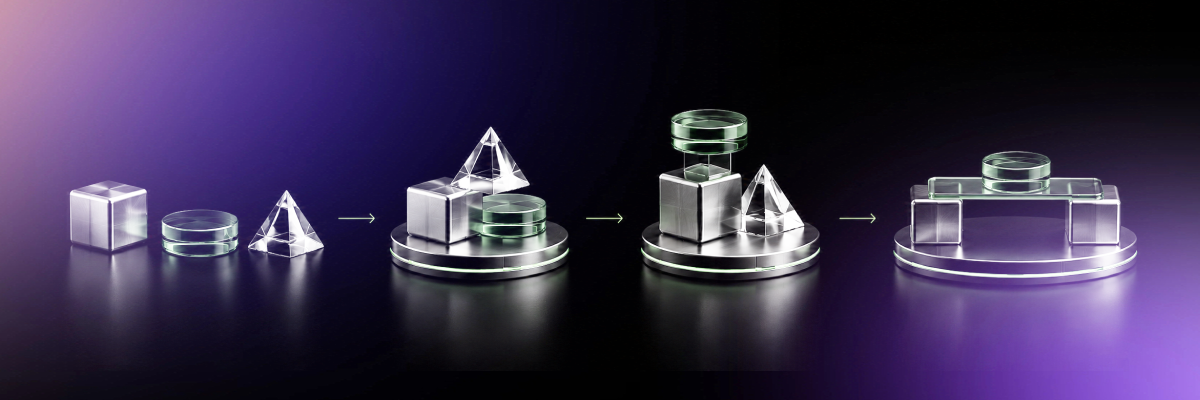
Hardware portability and customization is one of the three things Avocado 1.0 is built to prove, and what it unlocks depends on where you sit.
For the engineer, you stop redoing solved work every time the hardware moves. You retarget with a config change, and you keep full control of the kernel, the device tree, and the boot chain when you need it.
For the product lead, the hardware decision stops being a one-way door. You can prototype on what is available, move to production silicon when you are ready, and run many SKUs from one codebase instead of one image per board.
For the org, you are not hostage to a single vendor's roadmap, supply, or pricing. When availability shifts, or a better part shows up, moving is a project you can scope in weeks instead of a re-platform you dread.
Portable and customizable, on the same stack. Open like Linux, production-grade like a custom Yocto build, managed like neither.
The hardware decision should not be a one-way door
Avocado 1.0 is here and you can start building today with a free developer account. If you want to see a board change happen live, watch the portability demo, where the same application stack moves from a Raspberry Pi to an i.MX in a few minutes.
The teams I work with are not afraid of choosing hardware. They are afraid of choosing wrong, because the cost of changing their mind has always been measured in “how many months will this delay us?” That is the part that has to change. The board you pick today should not lock in the board you are allowed to pick next year, and customizing the system you ship should not mean owning a build team to do it.
Pick the hardware that fits the product. Change it when the product needs it. That is what hardware portability is supposed to mean, and with Avocado OS, it finally does.
Nick